
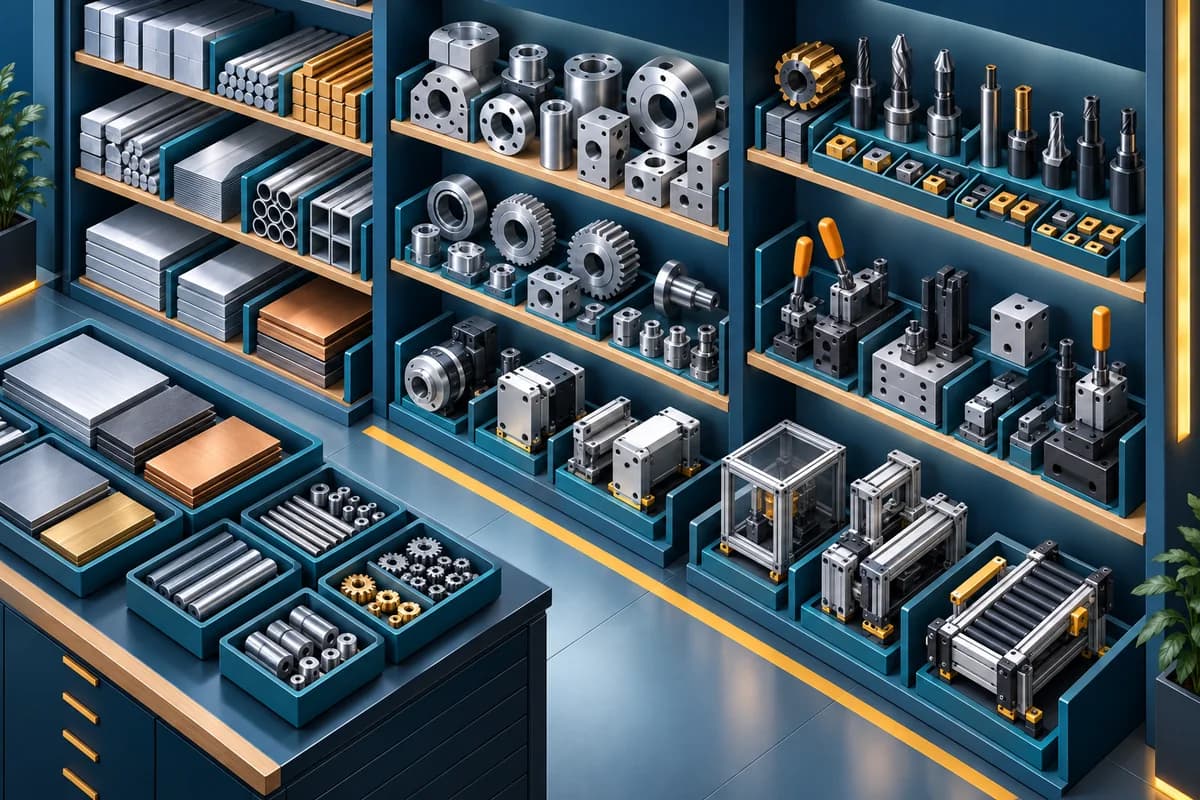
Reuse what the company already knows
Library materials, parts, processes, and assemblies give new quotes a faster starting point.
Built for manufacturers who quote custom work
Old prices get reused. Freight and subcontract costs get missed. Margin is checked too late, and different versions reach the customer and workshop. ManufactureQuote puts that work into one controlled quoting flow.
Every handoff keeps its commercial context.
The problem
The expensive mistakes usually happen after the quote looks finished: an old cost slips through, a line is missed, a margin check is skipped, or the workshop receives a version that no longer matches what the customer accepted.
ManufactureQuote gives estimators a current Library and previous work context without letting old sent evidence drift.
Materials, parts, labour, assemblies, freight, subcontract work, and one-off costs all live in the quote workflow.
Cost, sell price, markup, margin, and readiness stay visible before the proposal leaves the building.
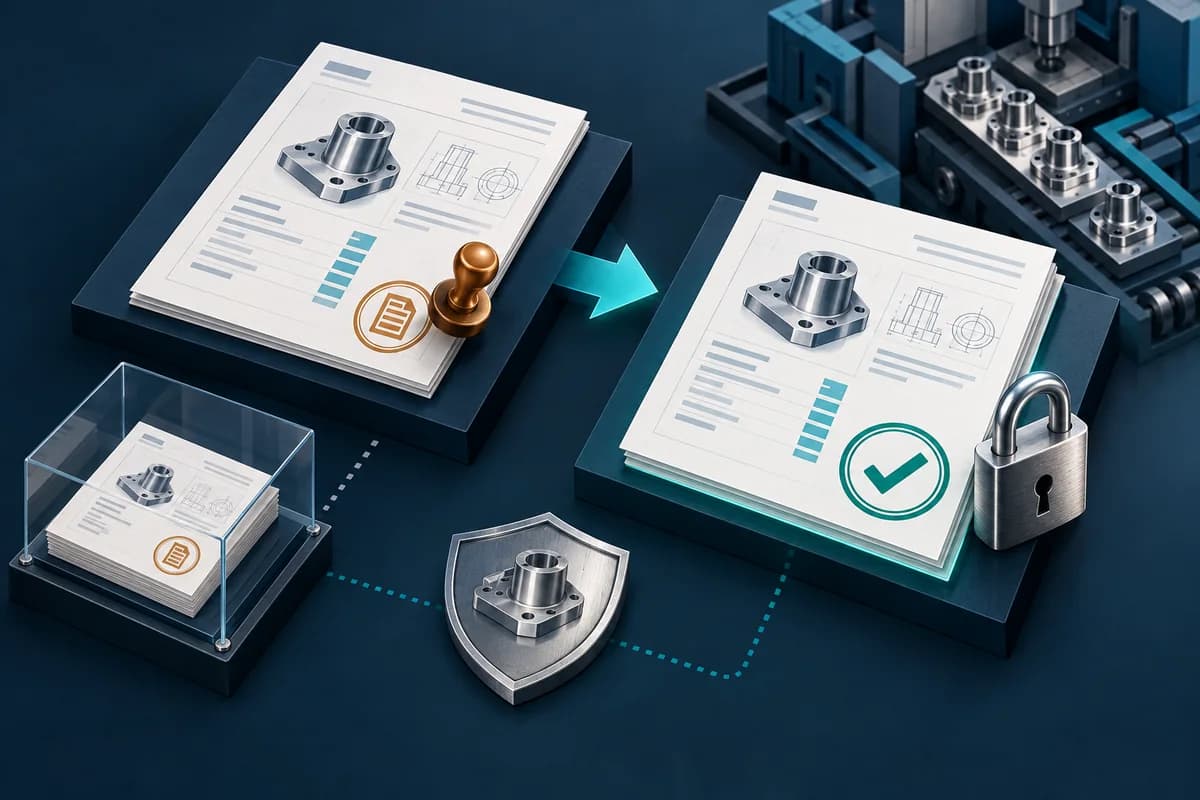
Issued proposals, accepted snapshots, job sheets, and actual-cost review stay connected to the authorised version.
Outcome-led workflow
ManufactureQuote stays focused on quote-to-production handoff. It is not ERP, MRP, MES, inventory, purchasing, accounting, or scheduling software.
Start from Library records, previous work, manual lines, or a reviewed spreadsheet.
Finish materials, components, labour, assemblies, subcontract work, freight, and one-off costs.
Download a customer-ready proposal PDF and send it through your normal email.
Record the customer decision against the exact issued proposal evidence.
Release the accepted job sheet, then compare quoted and actual costs after the work is done.
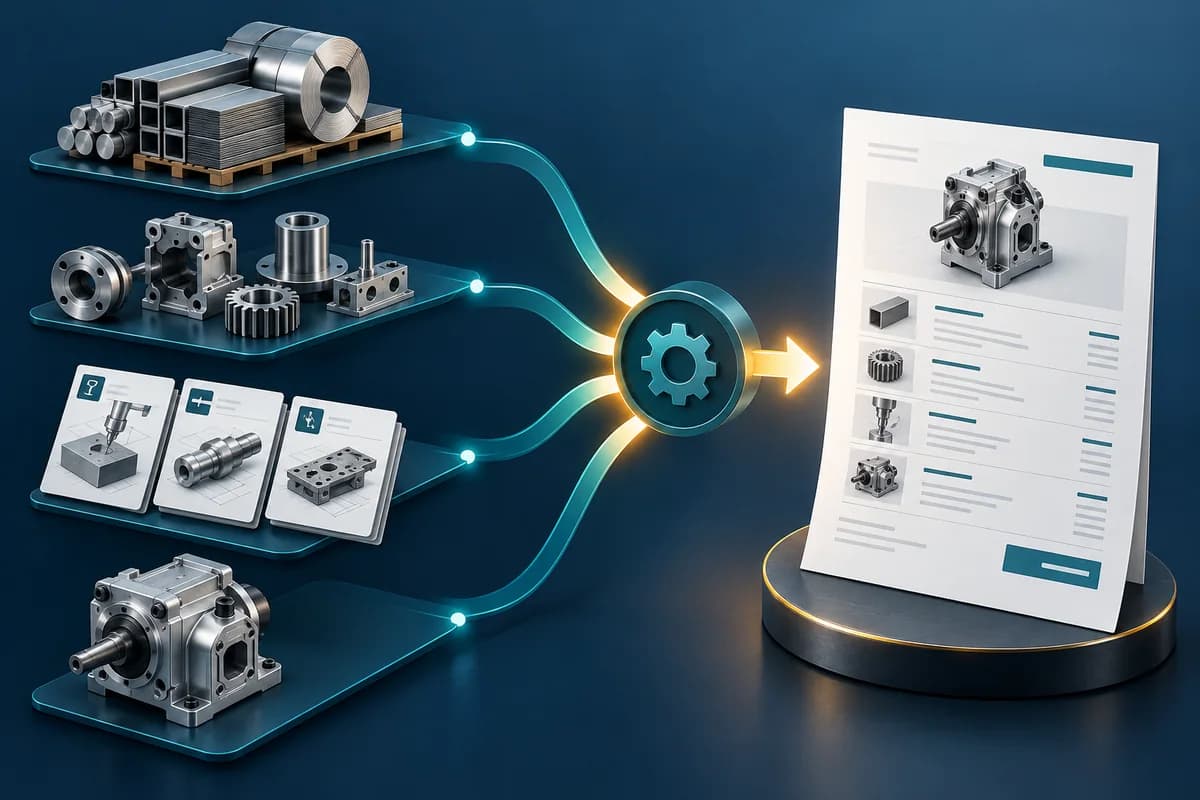
Reusable costing
Materials, parts, labor processes, assemblies, and previous work become a repeatable starting point. Estimators still decide what enters the quote, but they are not forced to type the same knowledge again.
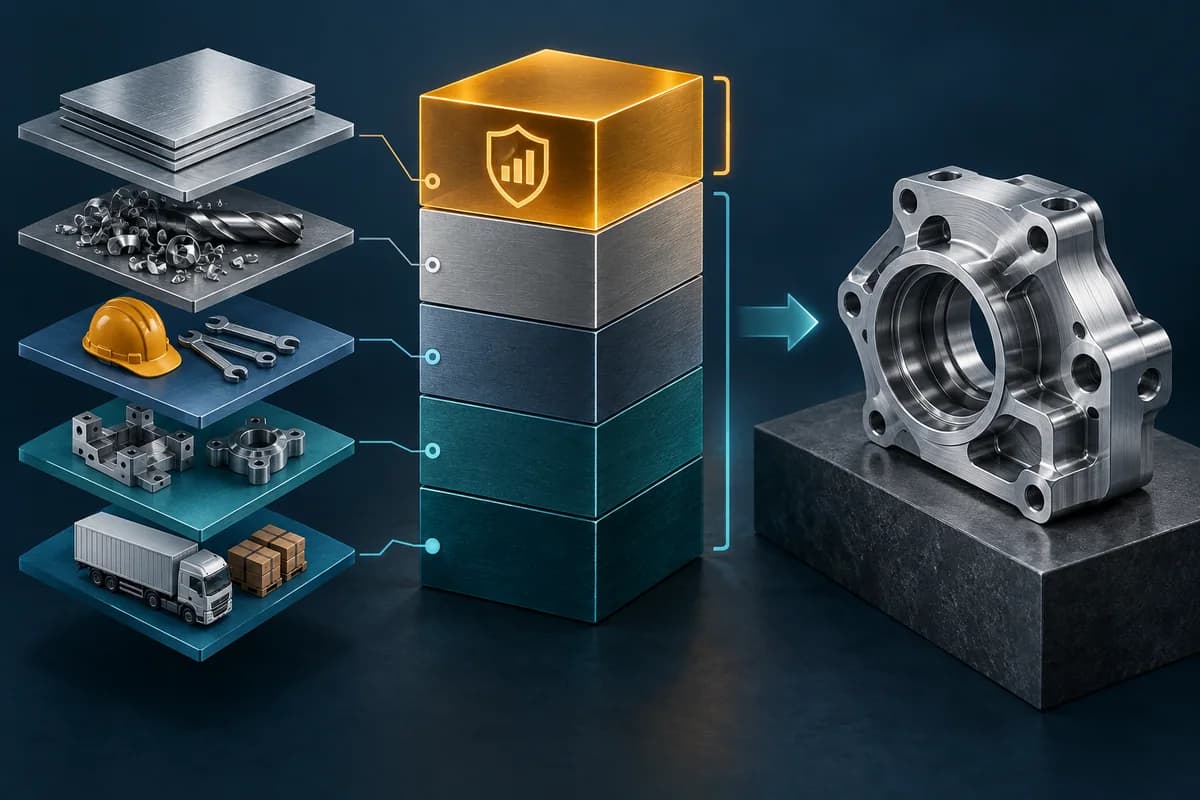
Margin control
ManufactureQuote keeps costing work visible inside the quote, not scattered across hidden spreadsheet tabs. The team can review commercial totals before issuing the proposal.
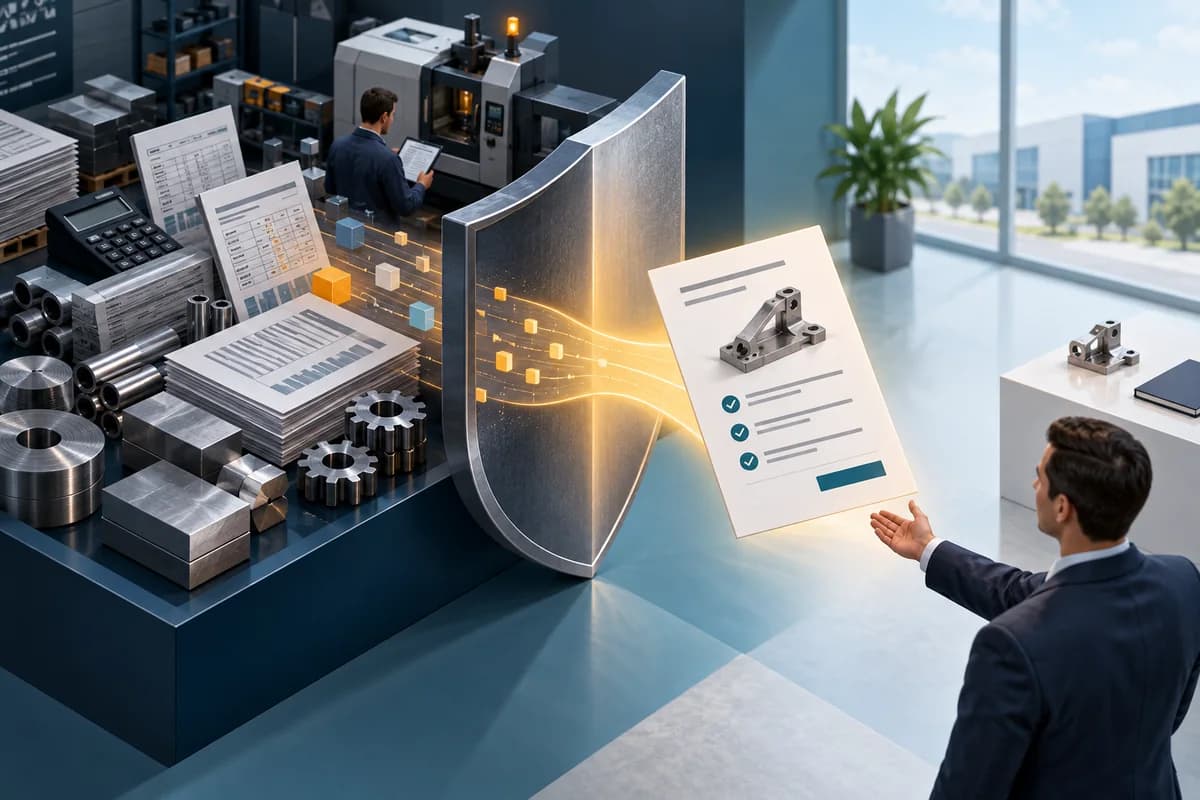
Proposal issue
Use the practical delivery workflow: issue the proposal, download or print the customer-ready PDF, send it through your normal email, then record the customer's decision in ManufactureQuote.
Version control
Issued, changed-after-issue, accepted, and job states are part of one commercial trail.
Production handoff
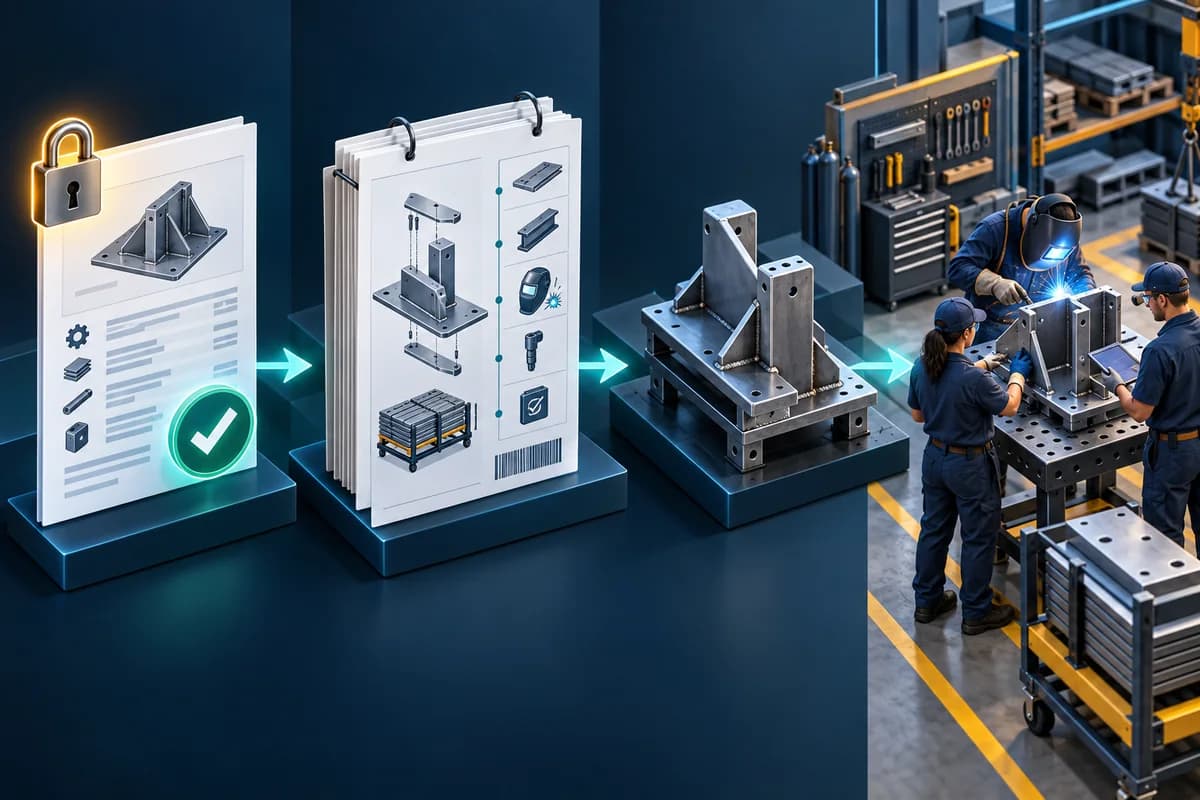
Accepted work becomes a coherent job sheet and authorised production view. Variations can add approved change evidence without rewriting the original accepted baseline.
Actual-cost learning
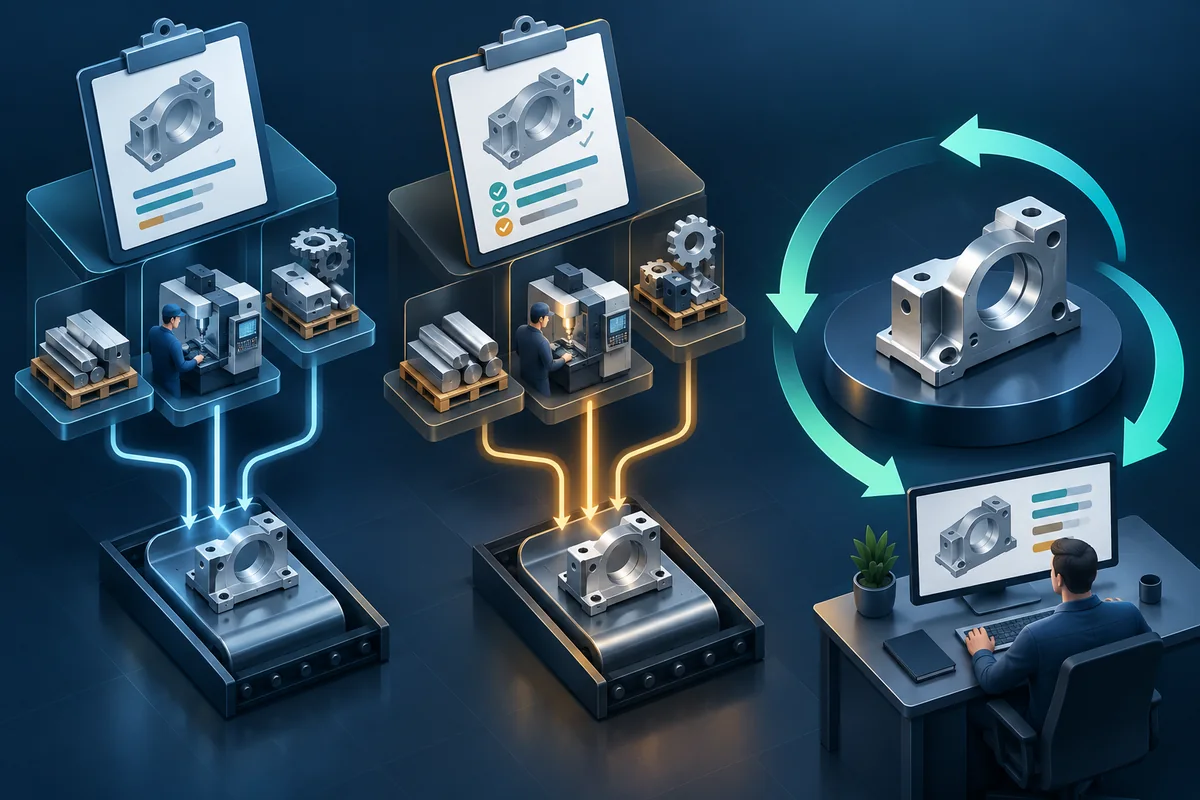
Actual-cost review helps a manufacturer compare quoted and actual work after completion, so the next estimate starts from better knowledge.

When a spreadsheet arrives
Smart Import is the supporting fast path for messy files. MQ detects columns, separates rows that are ready from rows that need review, shows the impact, and commits only after the estimator checks the result.
A controlled path
Simple controls replace the chain of copied spreadsheets and disconnected documents.
Library materials, parts, processes, and assemblies give new quotes a faster starting point.
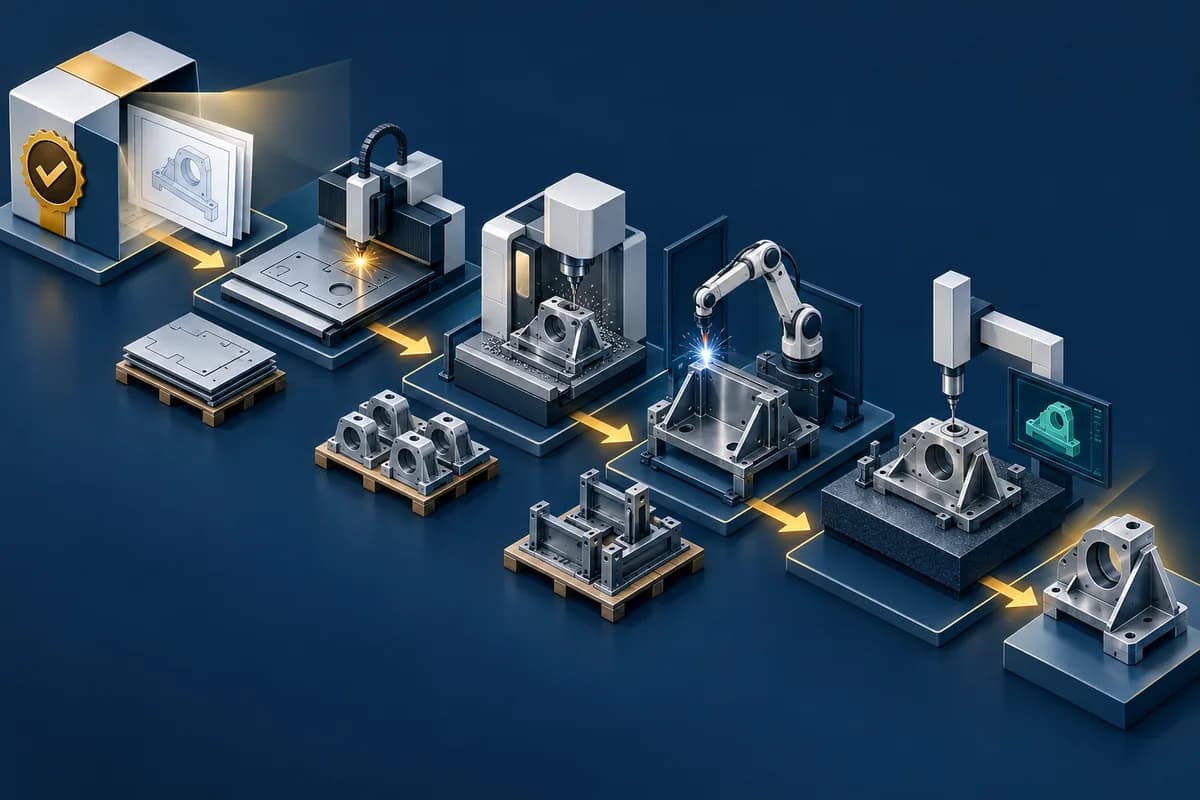
The job sheet comes from the accepted quote evidence rather than a detached spreadsheet copy.
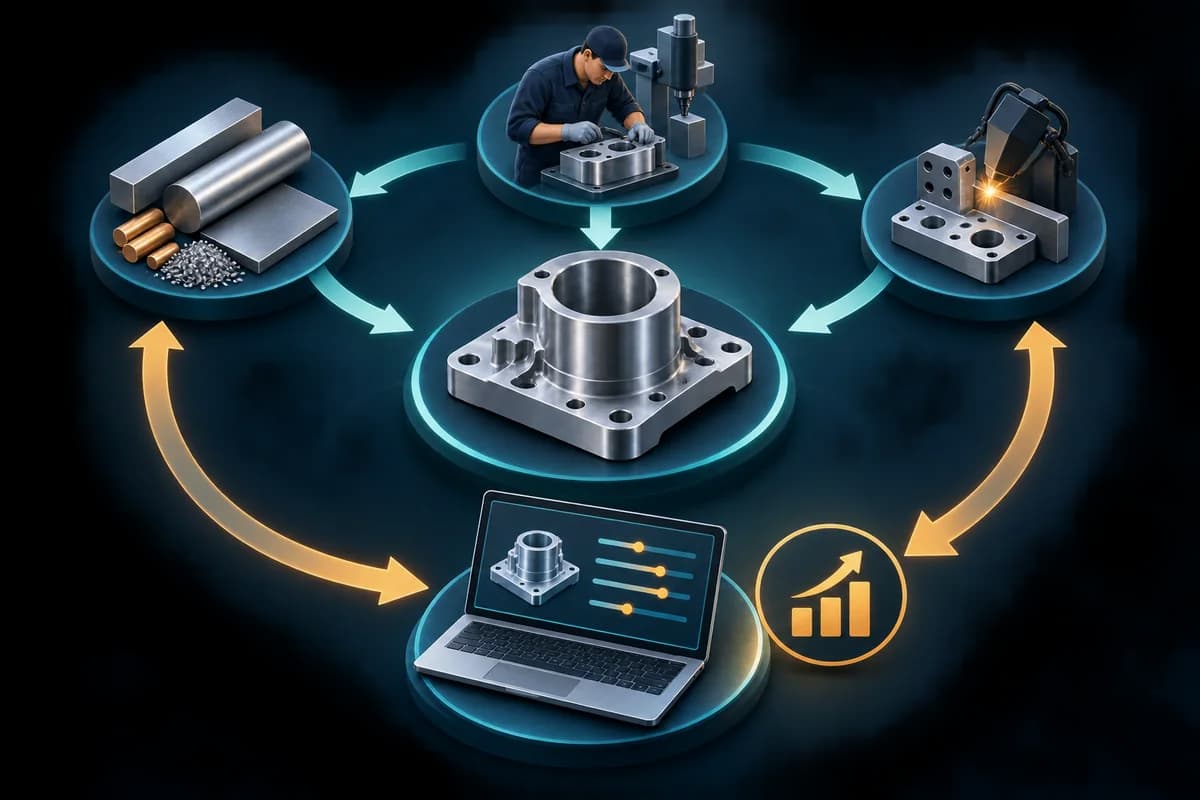
Actual-cost review shows where the estimate differed from the work that was completed.
Trust and security
ManufactureQuote uses product controls rather than unsupported promises or invented badges.
Application data is scoped by company so teams work inside their own quoting environment.
Customer proposals do not expose internal cost, margin, markup, supplier references, or production notes.
Accepted quote details preserve the version the customer agreed to for job sheets and actual-cost review.
Users sign in to a hosted application with protected routes and server-side checks for sensitive workflows.
Commercial next step
We will walk through how the same job can move from estimate to accepted work and workshop handoff.
Reuse known costs, protect margin, issue the right proposal, and hand accepted work to production.